
Source: Roblox Creator Hub · CC BY 4.0 · View source · Code samples: MIT Imported 2026-10-03. Formatting adapted for this site.
Create with templates
You can create your own custom avatar character body using Blender and one of Roblox's downloadable template models. Using templates can save you a lot of time by skipping the complex processes of setting up your armature, rigging, skinning, and configuring your character for face animations.
This tutorial is intended for creators of all skill levels with moderate Blender experience to create a unique character by:
- Selecting a base template that includes time-saving Blender configurations
- Modeling using non-destructive sculpting workflows
- Texturing using Blender's texture paint tools
- Caging an asset by editing the template's cage mesh objects
- Cleaning and prepping the project for export
- Exporting your asset for use or testing in Studio
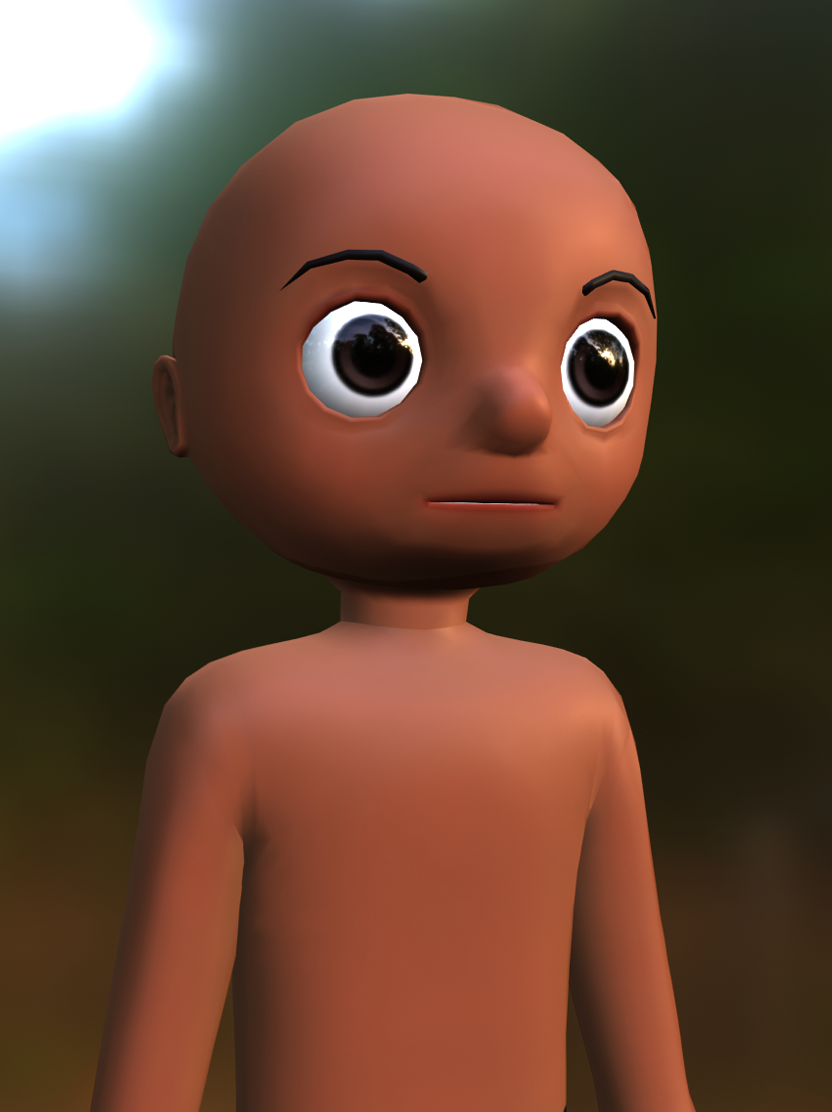 Starting template model
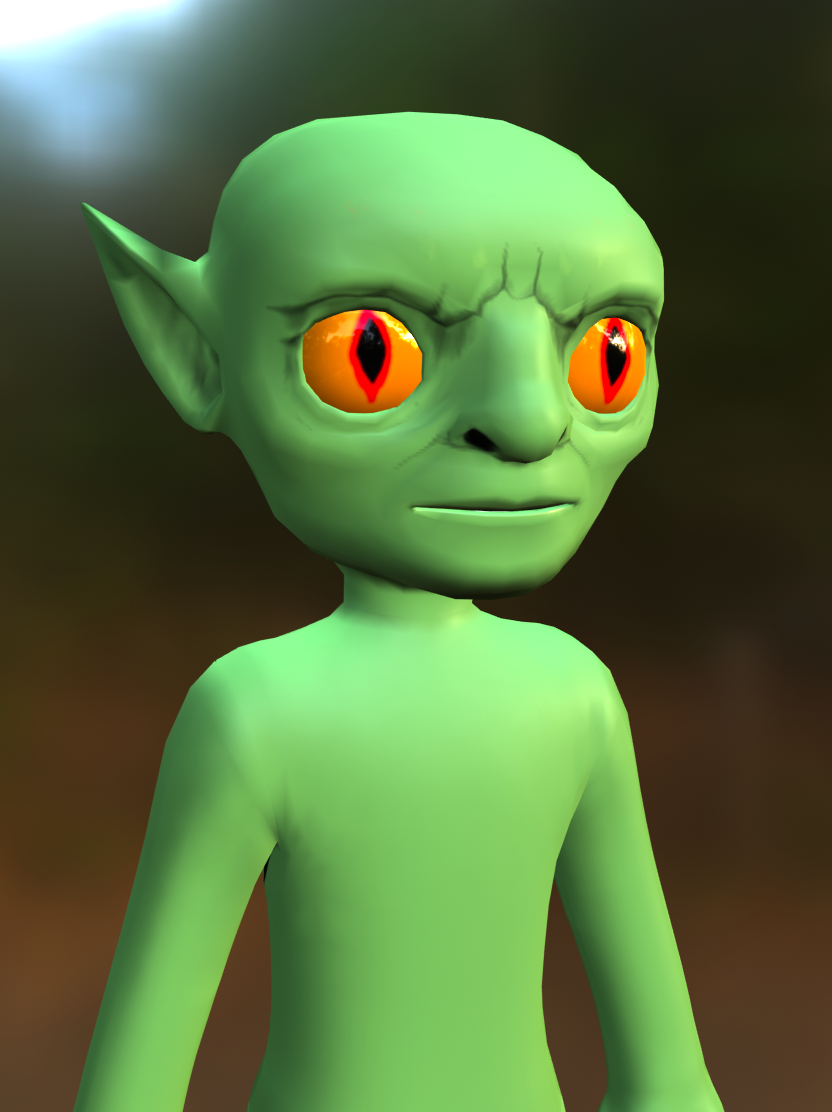 Example model after modifications
Note
This guide uses Blender 3.4+ as a practical example for customizing a character template. Before you begin, you should have a basic knowledge using Blender's interface, tools, and viewing controls.
If you are using another program, you can still apply the general workflow of this tutorial with your program's similar tools.