
Source: Roblox Creator Hub · CC BY 4.0 · View source · Code samples: MIT Imported 2026-10-03. Formatting adapted for this site.
Test character bodies
To ensure your character bodies for avatars can move, interact with objects in the 3D space, and wear cosmetics, clothing, and accessories, it's important to periodically test their components in both your third-party modeling tool and in Studio as you iterate on their design. By testing often, you can save yourself a lot of time in having to rework time-intensive processes like rigging, skinning, and caging.
Whether you are using a template character or project file as a basis for your character body, reference the following tables for common tests and resources you can use throughout the creation process to comprehensively quality check each component of your character models.
Blender Tests
Note
You can apply the following workflows with any 3D modeling software, though certain interfaces and instructions may differ between platforms. For more information, see Test character bodies in Blender.
| Component | Testing recommendations |
|---|---|
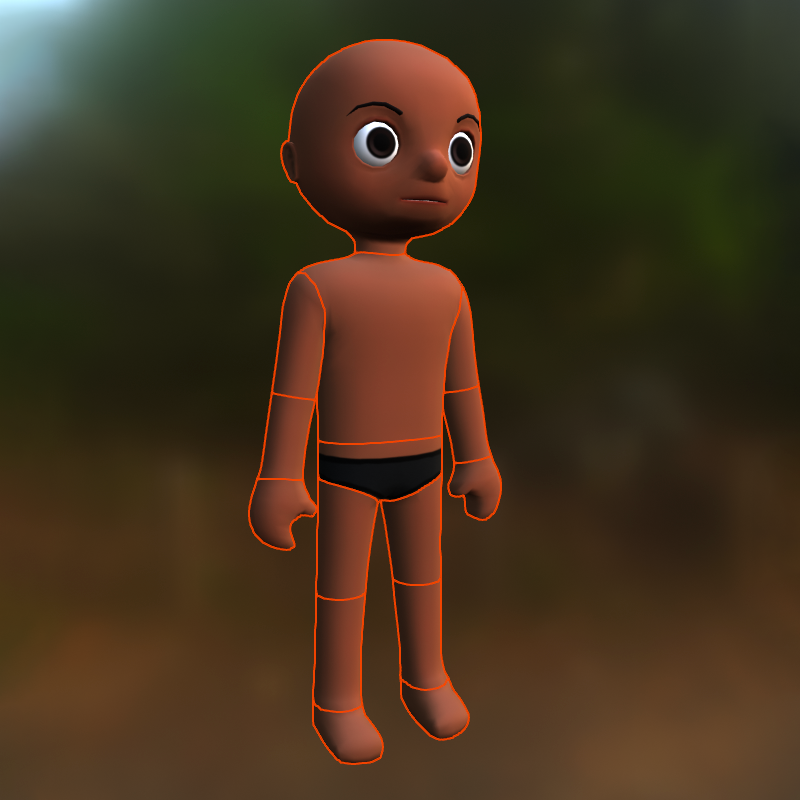 | When modeling, confirm that your character's geometry follows Roblox's [geometry specifications](/docs/roblox-avatar-character-bodies-specifications#geometry). |
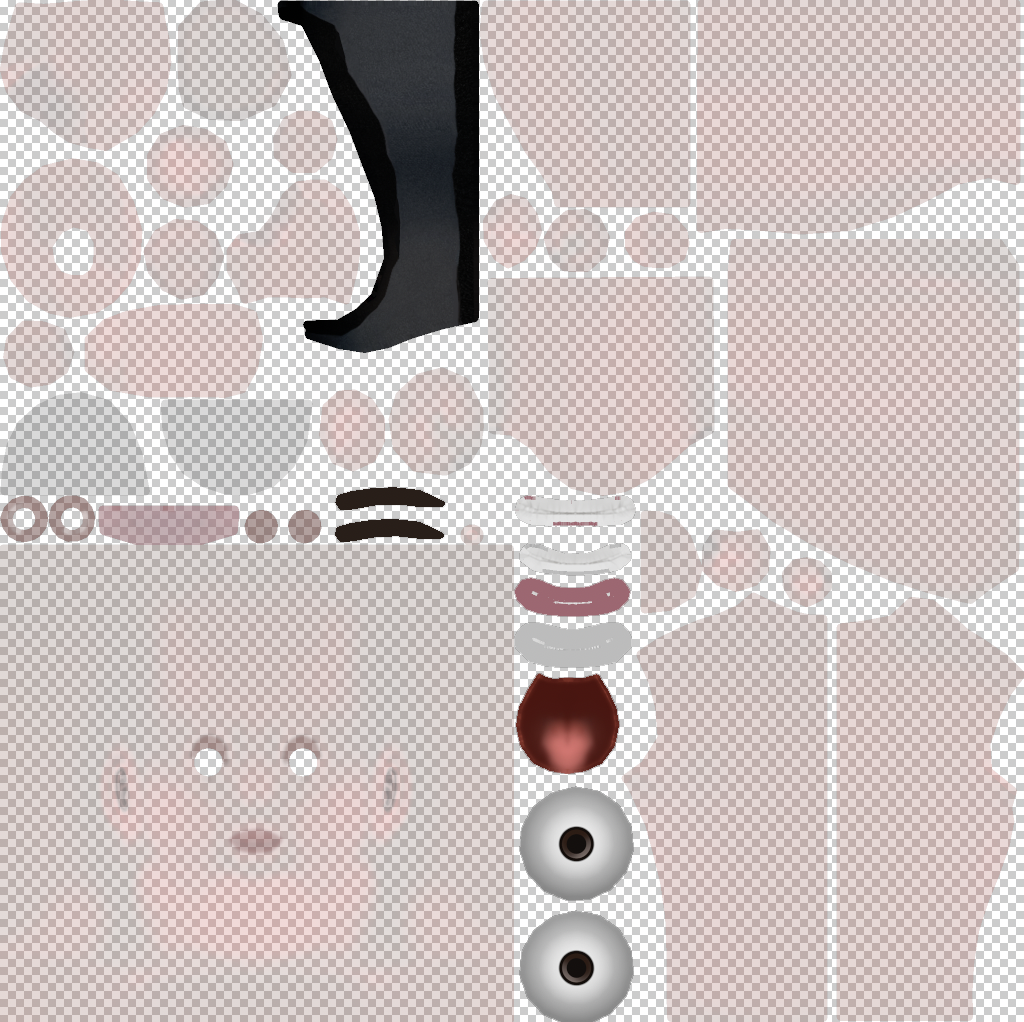 | When texturing, confirm that your character's textures follow Roblox's [texture specifications](/docs/roblox-avatar-character-bodies-specifications#textures). |
 | Use Blender's [posing tools](/docs/roblox-avatar-character-bodies-test-blender#skinning-data) to check the rigging and skinning quality of your character's body. |
 | Confirm that your character's [FACS data](/docs/roblox-avatar-character-bodies-test-blender#facial-animation-data) is present and correctly configured. |
 | Manually verify that your cage meshes completely and tightly cover your character model and follow Roblox's [outer cage specifications](/docs/roblox-avatar-character-bodies-specifications#outer-cages). |
 | Manually verify that your attachment points are correctly positioned and follow Roblox's [attachment specifications](/docs/roblox-avatar-character-bodies-specifications#attachments). |
Studio Tests
Note
Roblox provides an uncopylocked testing place file that includes quick access to various environments and testing features. For more information, see Test character bodies in Studio.
| Component | Testing recommendations |
|---|---|
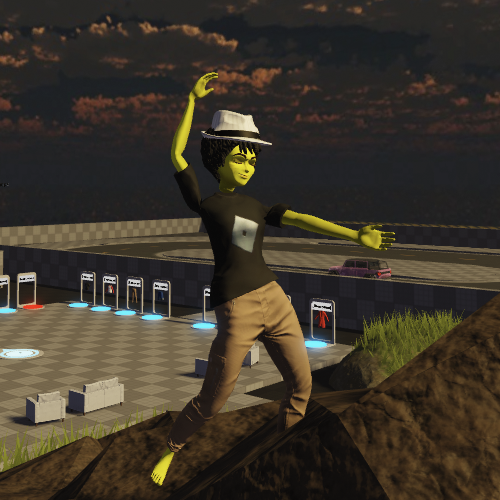 | Test how your character's body parts [move and animate](/docs/roblox-avatar-character-bodies-test-studio#movement-and-animation) in the 3D space. |
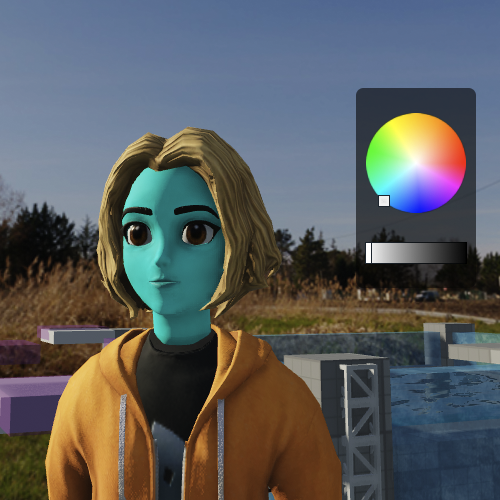 | Test how your character looks in [various lighting environments and skin tone colors](/docs/roblox-avatar-character-bodies-test-studio#lighting-and-color). |
 | Use [animations and testing environments](/docs/roblox-avatar-character-bodies-test-studio#movement-and-animation) to verify your character's rigging, skinning, and movement quality. |
 | [Cycle through various facial animations](/docs/roblox-avatar-character-bodies-test-studio#movement-and-animation) to ensure your character can perform common expressions. |
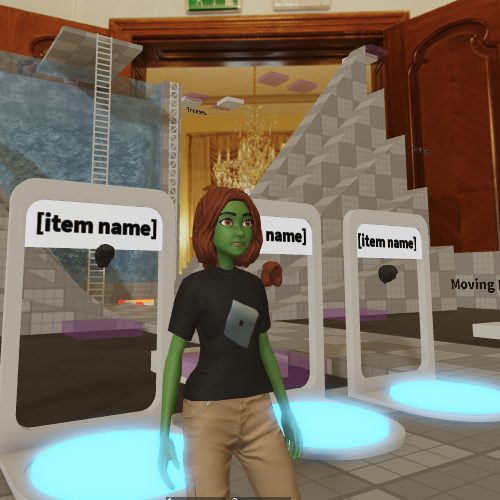 | [Equip various clothing items](/docs/roblox-avatar-character-bodies-test-studio#clothing-and-accessories) to check for fit and for any unexpected cosmetic issues. |
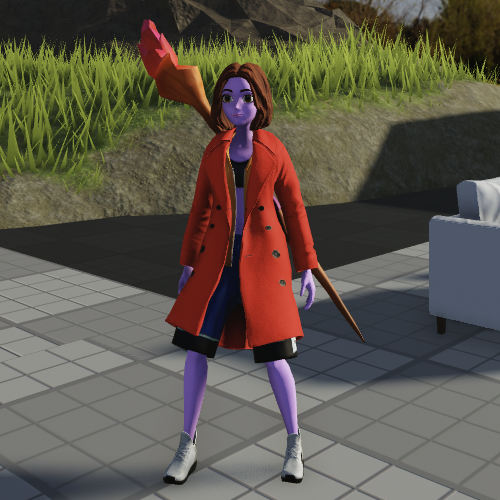 | [Equip various accessory items](/docs/roblox-avatar-character-bodies-test-studio#clothing-and-accessories) to verify rigid accessory placement and orientation. |