
Source: Roblox Creator Hub · CC BY 4.0 · View source · Code samples: MIT Imported 2026-10-03. Formatting adapted for this site.
Intro to coding and game design
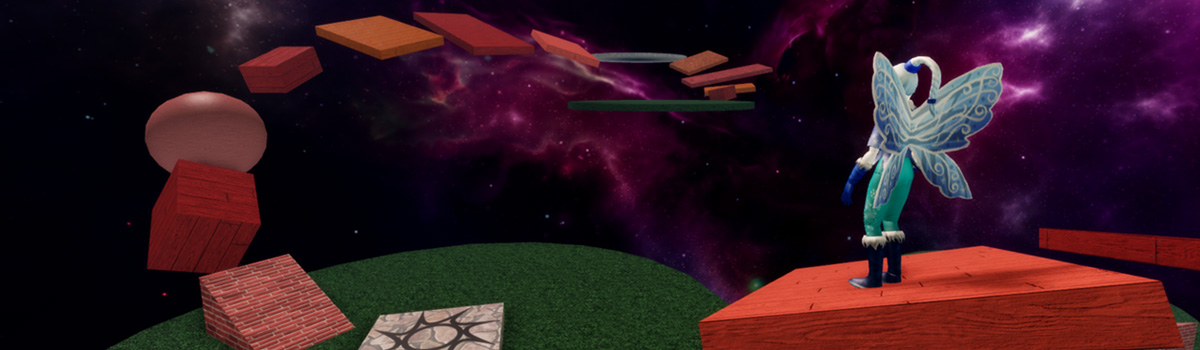
Lesson description: Get students creating and coding their first game in Roblox. Learn how to build an obstacle course and code color changing blocks.
ISTE standards: Innovative Designer 4a, 4c, 4d, Creative Communicator 6b, 6d
| Lesson objectives |
|
| Skills and concepts |
|
| Prep |
|
| Materials |
|
Overview
| Duration | Activity | Description |
|---|---|---|
| 5 min | Introduction | Introduce the project and lesson structure. |
| 30 min | Guided Tutorial: Intro to Studio | Introduce the basics of Roblox Studio by building the first few pieces of an obstacle course. |
| 60 min | Guided Tutorial: Intro to Coding | Create scripts that change the colors of a part. |
| 20 min | Independent Work: Finish Student Projects | Let students catch up or continue building their project. |
| 5 min | Wrap-up | Reflect on project and recap concepts learned. |
Lesson Plan
Introduction
Introduce the course:
- Students will be making their own obby (obstacle course) that others can play.
- Will also learn coding to create color changing parts to decorate their obby with.
Make sure all students are actively logged into Roblox Studio. Note that if this is their first time, it's recommended to allot 5 minutes for this process in case any student has an issue logging in.
Guided tutorial - Intro to Studio
Lead students through the following tutorial: Building lesson.
As you teach, keep in mind the following:
- Remind students to rotate their camera view to get an accurate view of their project.
- Encourage students to use the Explorer, a foundational skill in Roblox Studio.
Guided tutorial - Intro to coding
Inform students that they'll now start coding to add to their game.
- During this time, students should focus on coding and not continuing to work on their obby. They'll have time later to continue adding more parts or playtesting.
Lead students through the following tutorials:
Independent work - Finish student projects
As students go into independent work, point out they have the following goals to achieve for their obstacle course.
- A user can reach the end (with a reasonable level of difficulty).
- Have a balance of easy and difficult jumps.
- Be free of any unintended visual or code issues.
Have students catch up with their coding projects. If finished, give them time to work on adding more to or improving their obstacle course.
If there's time, two students can play-test each other's games and offer feedback.
Wrap up
- Recap what students have created and vocabulary: variable, string, loop.
- Ask two or three students what they would add to their game to improve it. For example, a more visually interesting endpoint or more challenging jumps
Appendix
Troubleshooting tips
General troubleshooting tips
- Introduce students to "Ask 3 Before Me": a student needs to ask three peers before asking the instructor for help.
- Keep in mind students have different prior experience with computers. Emphasize exact steps when teaching, such as when to double-click or right-click.
- Set strict time expectations for accomplishing a task, such as 1 minute to pick a color for a part, or two minutes to play test.
Intro to Studio
- Emphasize that students are creating a game that others can play, not just for themselves.
- If you're running low on time, the lesson Colors and Materials can be optional.
Intro to coding
- The most common errors for students at this age are improper capitalization and typos.
- Ask students leading questions rather than solving the issue for them as much as possible. This allows students to build valuable troubleshooting skills. For example: What symbols need to be around a string? - A quotation marks.
Customize the lesson
Expand the Lesson
Have students switch places and play-test each other's game.
- Start by having students offer feedback in the form of 2 Stars (What they liked) and a Wish (What they would want to see).
- After receiving feedback, each student should implement a change based on feedback they received.
Extra resources
If you're using this lesson as part of a workshop, we've included a description for public use.
Example course description: With over 60 millions users a month, Roblox is the world's largest social technology platform. But did you know that all Roblox games created by the users? Learn to create and code your own games using the free tools made available by Roblox. This is a perfect course for first time, aspiring game developers.
In this course, your student will:
- Learn programming fundamentals with Luau.
- Explore design thinking and 3D modeling by creating an obstacle course.
- Take home a complete game that can be played and shared online.