
Source: Roblox Creator Hub · CC BY 4.0 · View source · Code samples: MIT Imported 2026-10-03. Formatting adapted for this site.
Create Roblox account
Welcome to creating on Roblox! Whether you came to this tutorial as a player, a developer from another engine, or as someone who is brand new to development, the platform has a spot for you to create anything that you can imagine.
Before you start learning about the Roblox engine, it's important to first create a Roblox account. This process is free and it allows you to access the Roblox app to play games, as well as Roblox Studio to build games.
To create a Roblox account:
Go to Roblox's home page. Because you don't have an account yet, the sign up screen displays.
Follow each prompt, then click the Sign Up button. After a moment, Roblox logs you in and the home page displays.
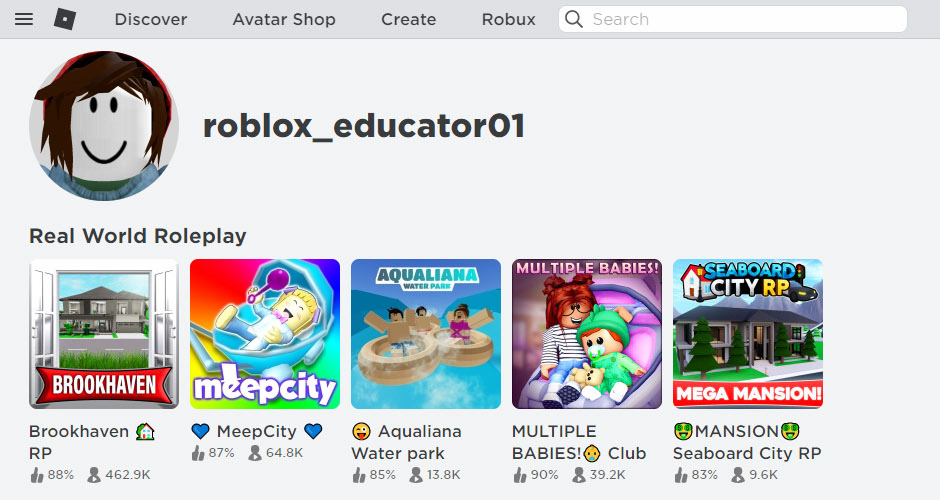
With your new account, remember these safety tips:
- Never share your password — This tip applies to even real life friends.
- Make your password hard to guess — If your username is "bloxcool", your password should not be "bloxcool123".
- Roblox employees will never ask for your password — Report anyone who asks using the Report Abuse feature.
- There's no such thing as free Robux — Never trust players or sites who say they have a way to get free Robux!
Note
For more account security information, see Keep Your Account Safe.
Now that you have an official Roblox account, it's time to install Roblox Studio!