
Source: Roblox Creator Hub · CC BY 4.0 · View source · Code samples: MIT Imported 2026-10-03. Formatting adapted for this site.
Duplicate and design
As you build, parts can be used more than once by creating duplicates. This is useful for reusing a part from the scrapyard, or copying something already added to the speeder.
Click the wing you just added and duplicate it (CtrlD or ⌘D). Nothing obvious will happen in the 3D viewport because with collisions off, the wing overlaps the original.
Use the Move, Rotate, and Scale tools to position it differently than the first.
Note
Get Precise Rotation
Instead of rotating by a set amount, you can rotate freely by turning off rotation snapping. In the toolbar, next to Rotate, uncheck the box. Just remember to turn it back on when you're done.
Continue building
Now that you know how to work with parts, add as many wings as you'd like to create a cool design.
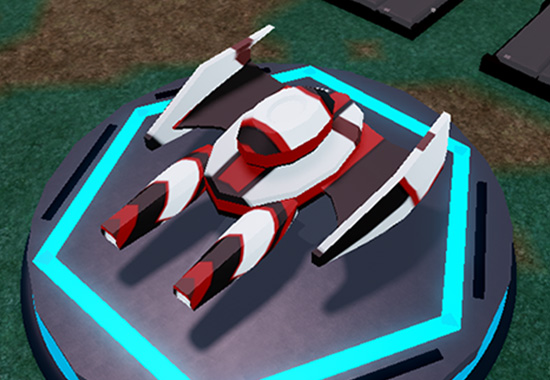
Use the following designs as inspiration:
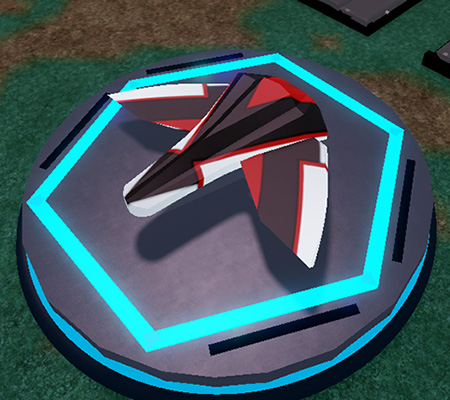
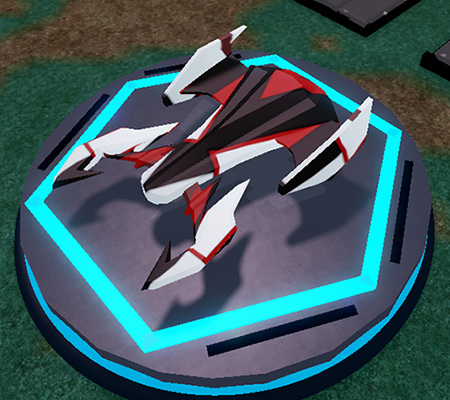
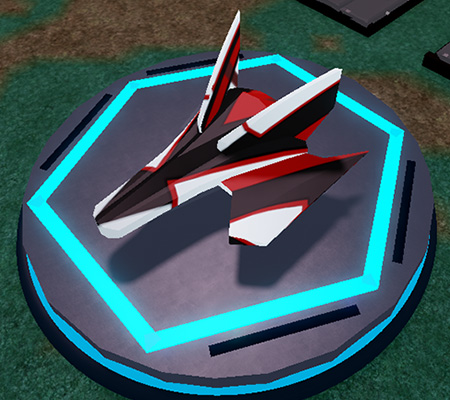
Add decorations
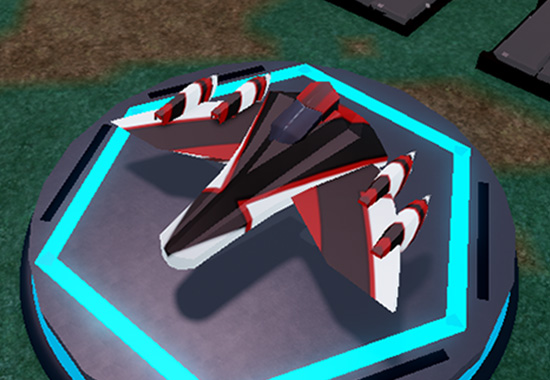
Further personalize your speeder with decorative parts like thrusters or spoilers from the third section of the scrapyard.
<img src="https://prod.docsiteassets.roblox.com/assets/education/build-it-play-it-galactic-speedway/designing-your-speeder/Decorative-Parts.png" />


<img src="https://prod.docsiteassets.roblox.com/assets/education/build-it-play-it-galactic-speedway/designing-your-speeder/Decorative-Parts-Parts.png" width="90%" />
Below are two different speeders with decorations.
Note
Create Bigger Ships with Extensions
Build further away from the body by using parts to extend where you can place objects.