
Source: Roblox Creator Hub · CC BY 4.0 · View source · Code samples: MIT Imported 2026-10-03. Formatting adapted for this site.
Going for a race
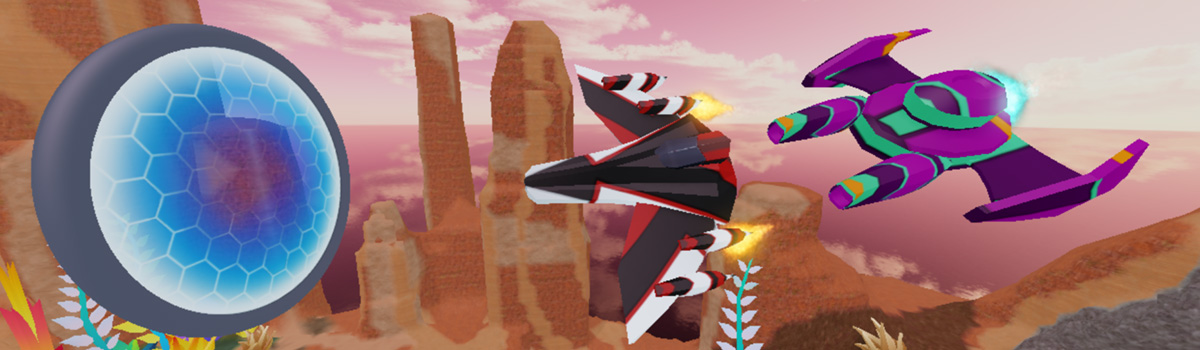
With your driftspeeder fully customized, it's time to test it out in an actual race!
Click Play.
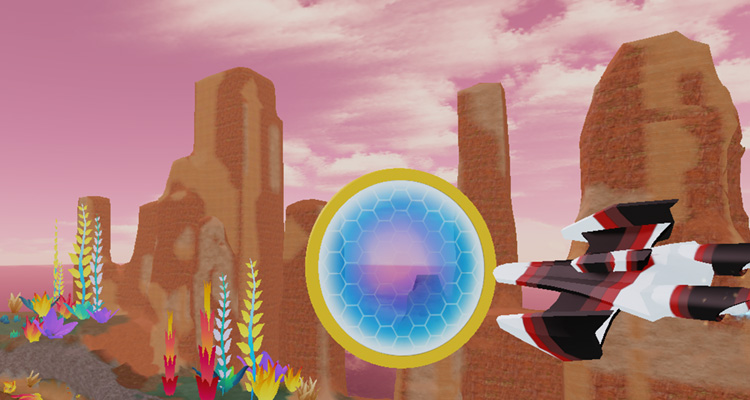
Walk up to the robot, start a new race, and pick your driftspeeder. See if you can go through each ring.
Invite friends to play
When you first publish a game, it's automatically set to private. Set it to public so others can get a chance to race in your speeder.
Publish your game so your friends will get your latest changes.
Open File ⟩ Experience Settings.
On the left bar, select Permissions, then choose Public.
Click the Save button.