
Source: Roblox Creator Hub · CC BY 4.0 · View source · Code samples: MIT Imported 2026-10-03. Formatting adapted for this site.
Custom 3D assets
Meshes are custom 3D assets that let you personalize and stylize your game's environment and characters. Unlike parts, which you can directly create in Studio, you need to use a third-party modeling application like Blender or Maya to design and model meshes, then import them into Studio. Studio represents imported meshes as MeshPart objects, descendants of the BasePart class.
Note
Many 3D assets are made up of several meshes that are parented to a single Model object.
Meshes typically fall into one of three types of application in games:
- Meshes for decorating your game's environment, such as plants, buildings, and vehicles.
- Meshes for individual body parts for avatars or non-player characters (NPCs).
- Meshes for cosmetic accessories that characters can equip and wear, such as clothing, props, and weapons.
Each mesh type must meet specifications according to how you are going to use the mesh on the platform. For example, while all meshes must meet general mesh specifications, meshes for characters must also meet character specifications that account for rigging and skinning data. For a full list of specifications for different types of meshes, see Resources.
In addition, if you meet certain account requirements, you can publish and sell collections of meshes that are parented to a single Model object. For example, you can publish avatar-ready models on the Marketplace and earn a commission for each sale, or you can sell models on the Creator Store and earn 100% of net proceeds on each transaction.
Note
For more information on monetizing meshes, see Monetize avatar items and Creator Store - Distribute and sell assets.
<img src="https://prod.docsiteassets.roblox.com/assets/modeling/meshes/Mystery-of-Duvall-Example.png" alt="A cluttered interior room with a candle in the forefront and spooky interior lighting from the Mystery of Duvall Drive game"/>Use custom meshes and models to give your environments ambiance and depth
<img src="https://prod.docsiteassets.roblox.com/assets/modeling/meshes/Beyond-The-Dark-Example.png" alt="A floating alien creature in space, from the Beyond The Dark game"/>Design a custom character unique to your game
<img src="https://prod.docsiteassets.roblox.com/assets/modeling/surface-appearance/Layered-Clothing-Example.png" alt="A Roblox avatar wearing a glossy puffy jacket and jeans"/>Create custom accessories, clothing, and characters that anyone can wear and use
Supported 3D assets
Roblox supports many types of custom 3D assets, as long as they adhere to the general mesh specifications. A basic custom 3D asset consists of at least one MeshPart object and one texture:
<img src="https://prod.docsiteassets.roblox.com/assets/art/Basic-Mesh-Example.png" alt="A plain white tree mesh without a texture"/>A MeshPart object sets the shape and geometry of the 3D asset
<img src="https://prod.docsiteassets.roblox.com/assets/art/Basic-Texture-Example.png" alt="Various color maps used to apply textures to the tree bark, and inner, middle, and outer leaves"/>A texture image map applies a surface appearance and color
<img src="https://prod.docsiteassets.roblox.com/assets/art/Basic-Mesh-Combined-Example.png" alt="The tree mesh and the image maps combined to create a single tree"/>The mesh and texture combine to make a unique custom 3D asset
Studio also supports custom 3D assets that include rigging and skinning data, PBR textures, and other Studio-related objects like cage meshes and attachments. Many of these various components are required if you are creating avatar character models or accessories.
Rigging and skinning
A rigged mesh is a MeshPart object with an internal poseable skeleton rig and bone structure. Rigged meshes allow mesh surfaces to rotate and move where internal bone joints are placed within a model, such as a character's knee or elbow. Skinning a rigged mesh allows the mesh to bend organically, imitating the natural way joints would move in real life.
<video controls src="https://prod.docsiteassets.roblox.com/assets/modeling/skinned-meshes/Head-Rigid-Example.mp4"></video>Without skinning, the entire head mesh rotates on a single axis
<video controls src="https://prod.docsiteassets.roblox.com/assets/modeling/skinned-meshes/Head-Skinned-Example.mp4"></video>With skinning, the head mesh bends naturally at the neck, and the bottom of the neck stays connected to the torso
For more information on rigging and skinning, see Rigging and skinning.
PBR textures
Physically-Based rendering (PBR) textures allow you to represent realistic shading and lighting by using multiple types of texture images, or maps, on a single 3D asset. Combining multiple texture maps can more accurately simulate color, roughness, and reflectivity in any lighting environment, and can enhance the visual elements of your assets and environment.
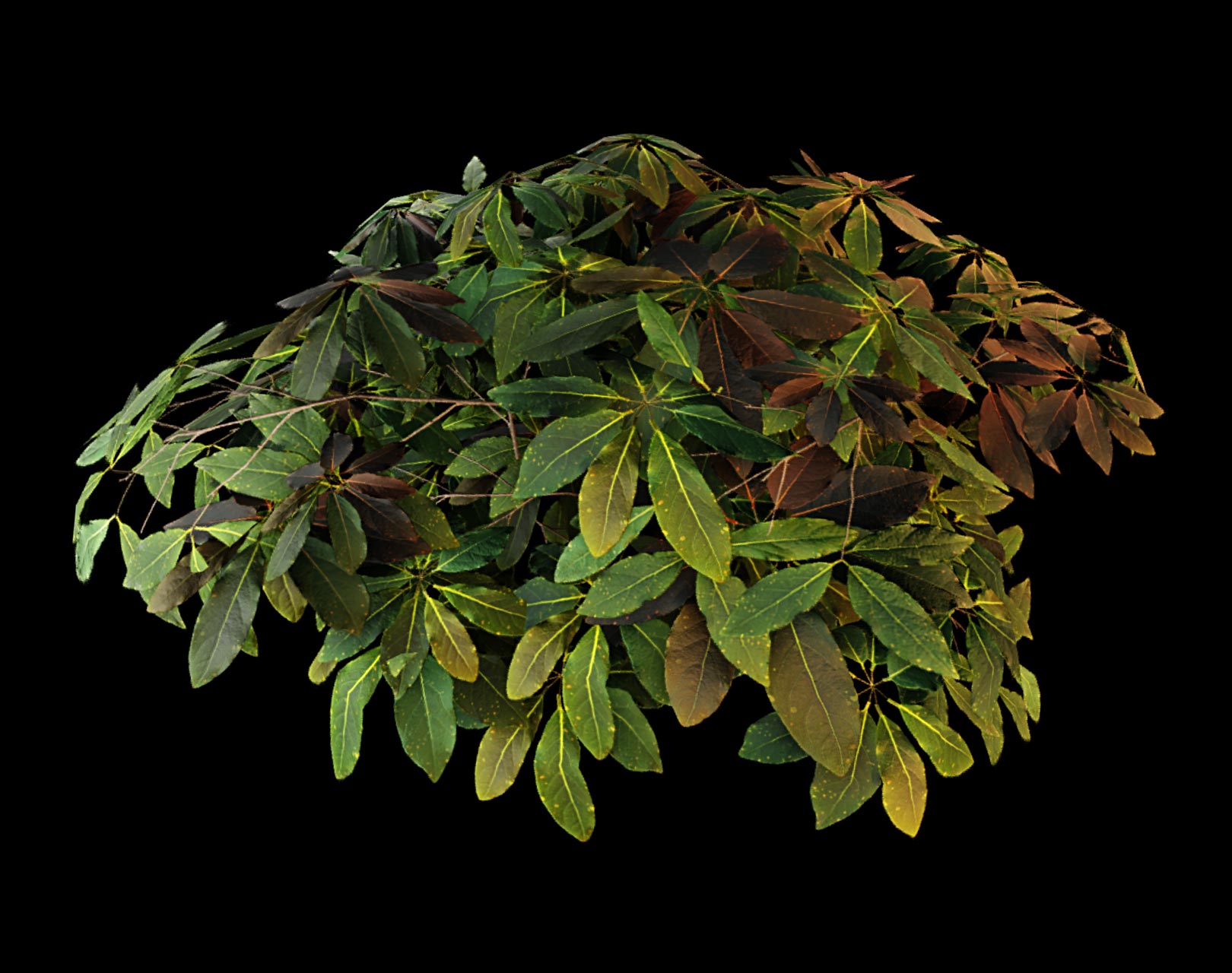
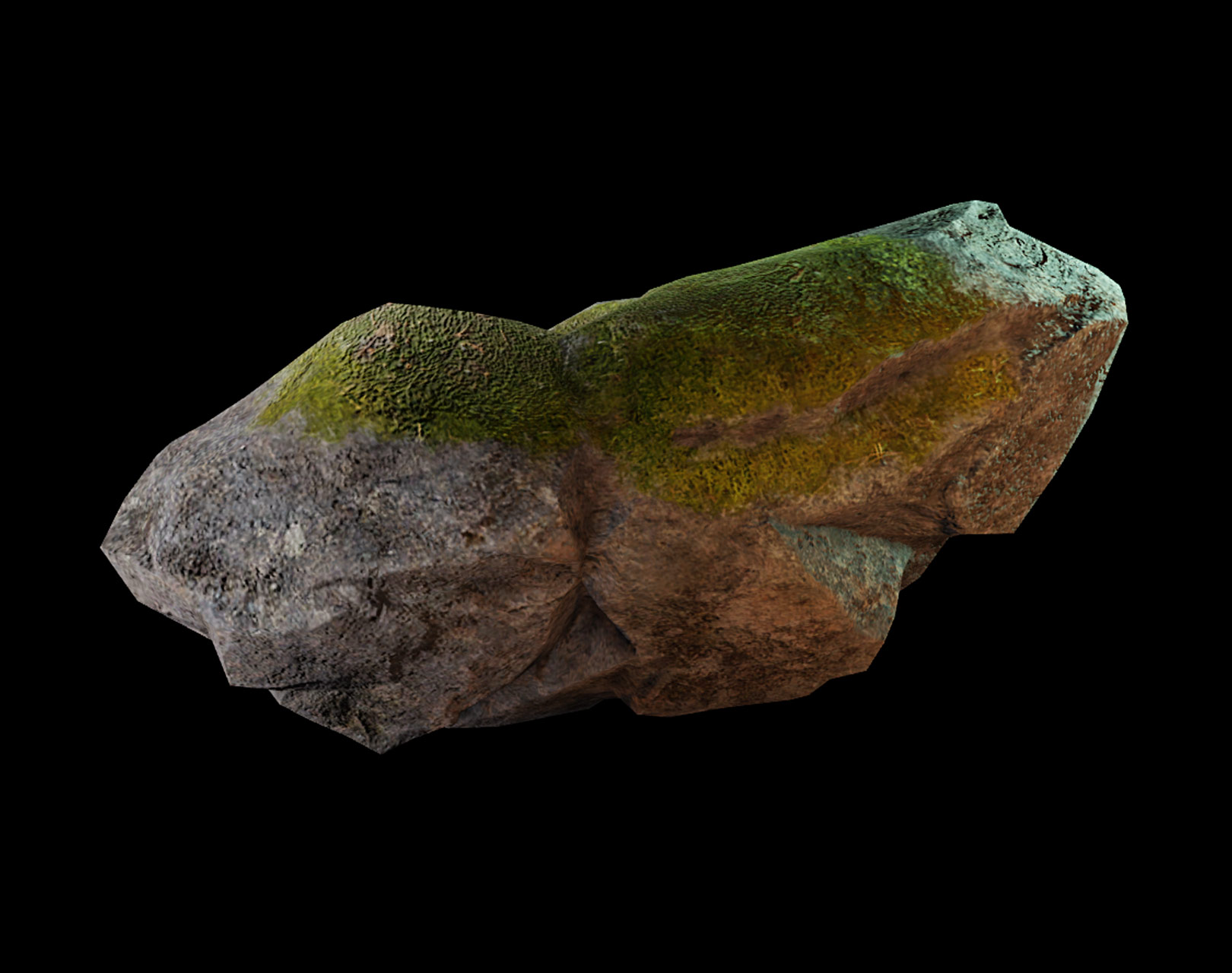
For more information on PBR textures, see PBR textures.
Studio-related objects
Studio automatically converts certain types of objects found in 3D modeling files as specific workspace objects in the game. These are typically used when creating a character or accessory, and configuring these in your modeling software can sometimes be the primary way of correctly setting up these Studio objects.
The following objects are automatically created in Studio if they are detected by the 3D Importer:
Attachment- Created when Studio detects mesh objects that include_Attat the end of their name.WrapTarget- Created when Studio detects mesh objects that include_OuterCageat the end of their name.WrapLayer- Created when Studio detects a mesh object with_InnerCageand similarly named mesh object with_OuterCageat the end of their names.FaceControls- Created when Studio detects an avatar character head and the appropriate facial animation data in the model.
For more information on how the WrapTarget and WrapLayer objects reshape and layer meshes, see Cage meshes.
Resources
There are a variety of resources available for creators of all backgrounds to get started with custom 3D assets.
If you are interested in specific avatar creation topics, use the following table to find guides and resources that best match your needs:
| Topic | Resources |
|---|---|
| Reference files | [Example models, project kits, and templates](/docs/roblox-art-modeling-project-files) |
| Technical specs | [.FBX export settings](/docs/roblox-art-modeling-export-requirements) [General mesh specifications](/docs/roblox-art-modeling-specifications) [Avatar specifications](/docs/roblox-avatar-character-bodies-specifications) [Accessory specifications](/docs/roblox-avatar-rigid-accessories) [Marketplace policy](/docs/roblox-marketplace-marketplace-policy) |
| Bodies and clothing creation | [Accessories overview](/docs/roblox-avatar-rigid-accessories) [Bodies overview](/docs/roblox-avatar-character-bodies) [Face accessory creation](/docs/roblox-art-characters-facial-animation-create-face-accessories) [Accessory Fitting Tool](/docs/roblox-avatar-accessory-fitting-tool) [Accessory specifications](/docs/roblox-avatar-rigid-accessories-specifications) [Marketplace requirements](/docs/roblox-marketplace-marketplace-policy) |
| Texturing | [Texture specifications](/docs/roblox-art-modeling-texture-specifications) [PBR textures](/docs/roblox-art-modeling-surface-appearance) |
| Rigging and skinning | [Rigging and skinning overview](/docs/roblox-art-modeling-rigging) [Basic mesh rigging](/docs/roblox-art-modeling-rig-a-simple-mesh) [Facial bone rigging](/docs/roblox-art-characters-facial-animation-create-basic-heads#rig-and-skin-the-head) [Facial bone skinning](/docs/roblox-art-characters-facial-animation-create-basic-heads#skin-joints) [Avatar rigging requirements](/docs/roblox-avatar-character-bodies-specifications#rigging) [Automatic skinning transfer](/docs/roblox-avatar-automatic-skinning-transfer) |
| Facial animation and live heads | [Basic head creation](/docs/roblox-art-characters-facial-animation-create-basic-heads) [Face accessory creation](/docs/roblox-art-characters-facial-animation-create-face-accessories) [FACS pose references](/docs/roblox-avatar-dynamic-heads-facs-poses-reference) |
| Testing and validation | [Calisthenics Tool](/docs/roblox-art-modeling-calisthenics-tool) [Clothing Validation Tool](/docs/roblox-art-accessories-validation-tool) |
| Publishing and Marketplace | [Upload to Marketplace](/docs/roblox-marketplace-publish-to-marketplace) [Marketplace policy](/docs/roblox-marketplace-marketplace-policy) [Fees and commissions](/docs/roblox-marketplace-marketplace-fees-and-commissions) |