
Source: Roblox Creator Hub · CC BY 4.0 · View source · Code samples: MIT Imported 2026-10-03. Formatting adapted for this site.
Get off the ground
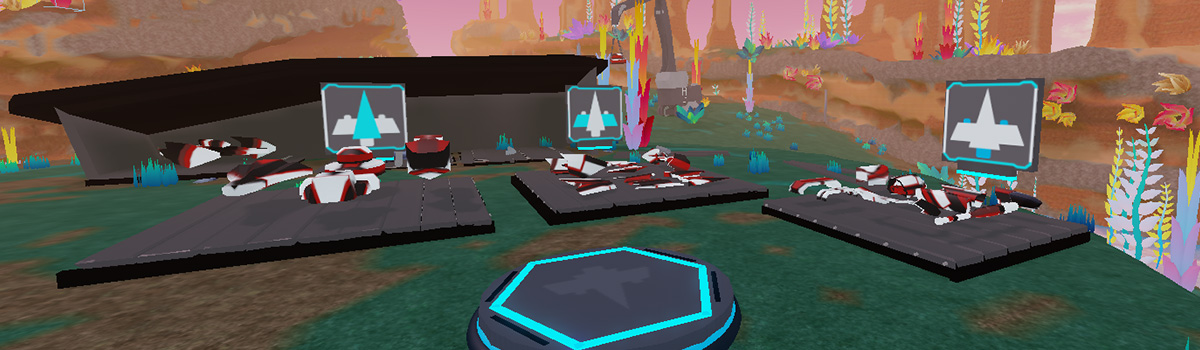
All of the parts for building your driftspeeder and the code for the annual Junker's Canyon Race are included in the Galactic Speedway template.
Open the template
Time to open Roblox Studio! If you need to, download Studio, then click the following button to open the Galactic Speedway template.
Junker's Canyon
With the template open, you can see Junker's Canyon, home to crafty builders and daring racers. To build your driftspeeder, salvage parts from the scrapyard and combine them in the work area. Once you're done, race your driftspeeder over the racetrack waters to be the champion of Junker's Canyon.
Close extra windows
The first time you launch Roblox Studio, extra windows might open up that aren't needed right now. Closing the extra windows will give you more space to work. You can always open them up again later.
Close each window on the left of the 3D view by clicking the × in the window's upper-right corner. If you don't see anything to close on the left, go to the next step.
Leave the Explorer and Properties windows open on the right side of Studio. If you have done each step correctly, Studio looks like the following image.

Note
If you don't see the Explorer and Properties windows on the right, toggle them on from Studio's Window menu.