
Source: Roblox Creator Hub · CC BY 4.0 · View source · Code samples: MIT Imported 2026-10-03. Formatting adapted for this site.
Educator onboarding
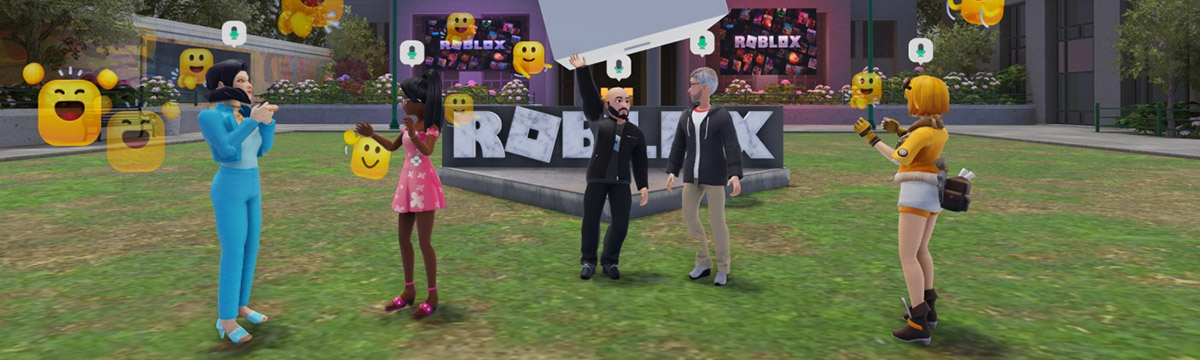
This course introduces you to Roblox, preparing you to feel confident in using Roblox as an educational tool. Training, which includes setting up a Roblox account and software on your device, will take 30 to 45 minutes.
Learning objectives
- Understand how to implement Roblox software and accounts in a classroom.
- Identify where to find resources, such as standards-aligned learning materials and handouts.
- Practice playing a Roblox game to learn basic controls and common Roblox concepts.
Note
In a hurry? This document covers all the steps needed to start a classroom, such as account and software setup. It also includes a collection of useful resources like links to technical support.
Series modules
| Article | Description |
|---|---|
| Get started | Learn about the Roblox platform. |
| Play on Roblox | Create your account and play a game. |
| Set up classrooms | Covers account and software setup. |
| Run classrooms | Tips and resources on running a successful classroom. |
| Next steps | A collection of useful resources, handouts, and guides. |